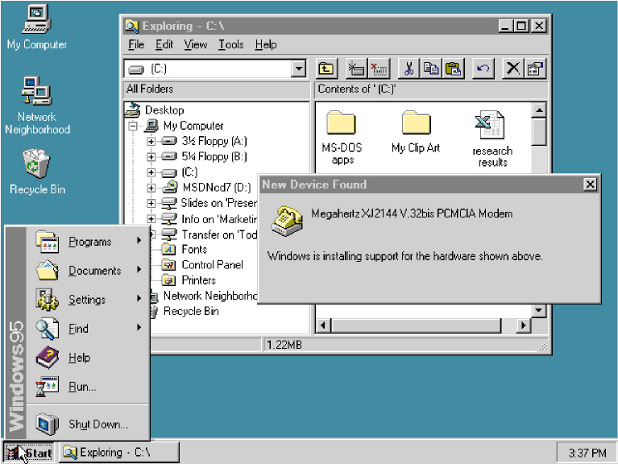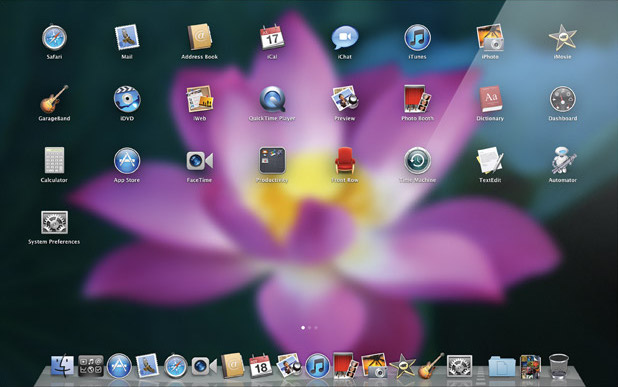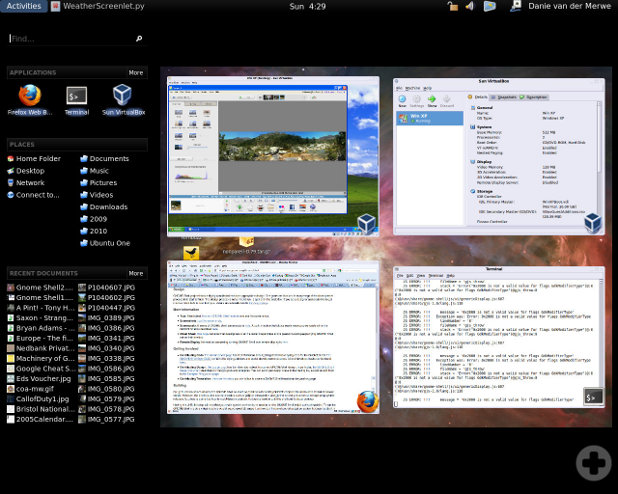
Yesterday I looked at recent trends in the development of computer desktop environments and noted that the traditional desktop (+ windows + panels + menus) metaphor is being abandoned in favor of a simpler “one thing is on screen at a time” policy as already used in the graphical user interfaces of mobile devices. Like the developers of Mac OS X and GNOME Shell, I too think that the traditional desktop metaphor must die, but I want something completely different to replace it. Here’s some guidelines that should, in my opinion, be followed, to create next-generation desktop environments:
“Navigational” elements like application launchers and overviews over active applications have no business being full-screen monsters by default, as is the case with Mission Control in Mac OS X or with the Activities view in GNOME Shell. There’s nothing wrong with traditional panels and menus. Make them as lean as possible while staying intuitive. I think Windows (with the task bar in Windows 7) and Ubuntu (with the launcher in Unity) are on the right track by adopting the design pioneered by Mac OS X’s dock: frequently used and currently open applications are in the same place. This may first seem dubious conceptually, but it makes more and more sense as applications are becoming more and more state-persisting.
No desktop! When the traditional desktop metaphor dies, make sure the desktop dies with it. Sadly, no major desktop environment seems to be tackling this. The desktop is sort of like a window, but can only be shown by moving all windows out of the way. It lacks a clearly defined purpose and tends to clutter up one way or the other. Get rid of it!
Go tiling! Now that there’s no desktop before which windows can float, windows should float no more. What overstrains users’ (read: my) minds is not more than one window visible at a time. On the contrary, there are many tasks that require working with two applications simultaneously. What annoys users (read: me) is having to arrange windows themselves. Full-screen is a nice feature that moves and resizes one window so that it occupies the whole available screen space. I want that for two or more windows! They should always be arranged automatically to use the screen space optimally. The answer to this plea is tiling window managers, here’s one in action:
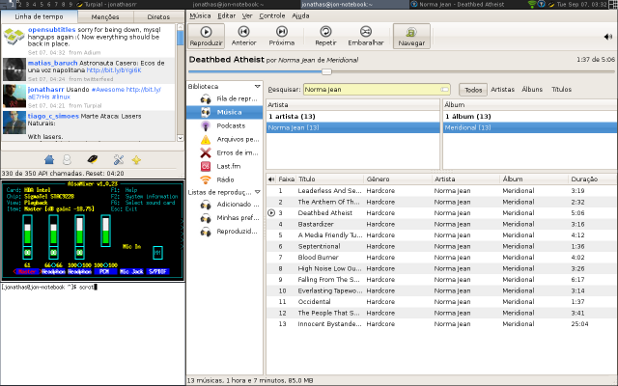
A tiling window manager with four windows open and one panel (screenshot by Jonathas Rodrigues)
Current tiling window managers are for technical users willing to do quite some configuration before it works, do a hell of a lot of configuration before everything works nicely, and memorize a lot of keyboard commands. So far all of this has been putting me off going tiling. There is no reason why it should stay that way. Complex GUIs like those of Photoshop or Eclipse already consist of multiple “subwindows” called views that can be rearranged, docked, undocked, grouped etc. freely using the mouse. The same principle could be applied to the whole desktop, for example in a Linux distribution that makes sure there’s a decent set of standard configuration settings, and that special things like indicator applets and input methods work as we’re used to from the traditional GNOME desktop. Monbuntu, anyone?